
You can monitor the health status of services used by SOAR from System Health. The status are passing or critical. When a service is critical, we recommend you contact Logpoint Support and share the reason of the status from the Output column to debug the problem.
Go to Settings >> SOAR Settings from the navigation bar and click System Health to view all the services for Logpoint SOAR. From the System Health page, you can refresh the list of services and their information by clicking on the Reload icon.
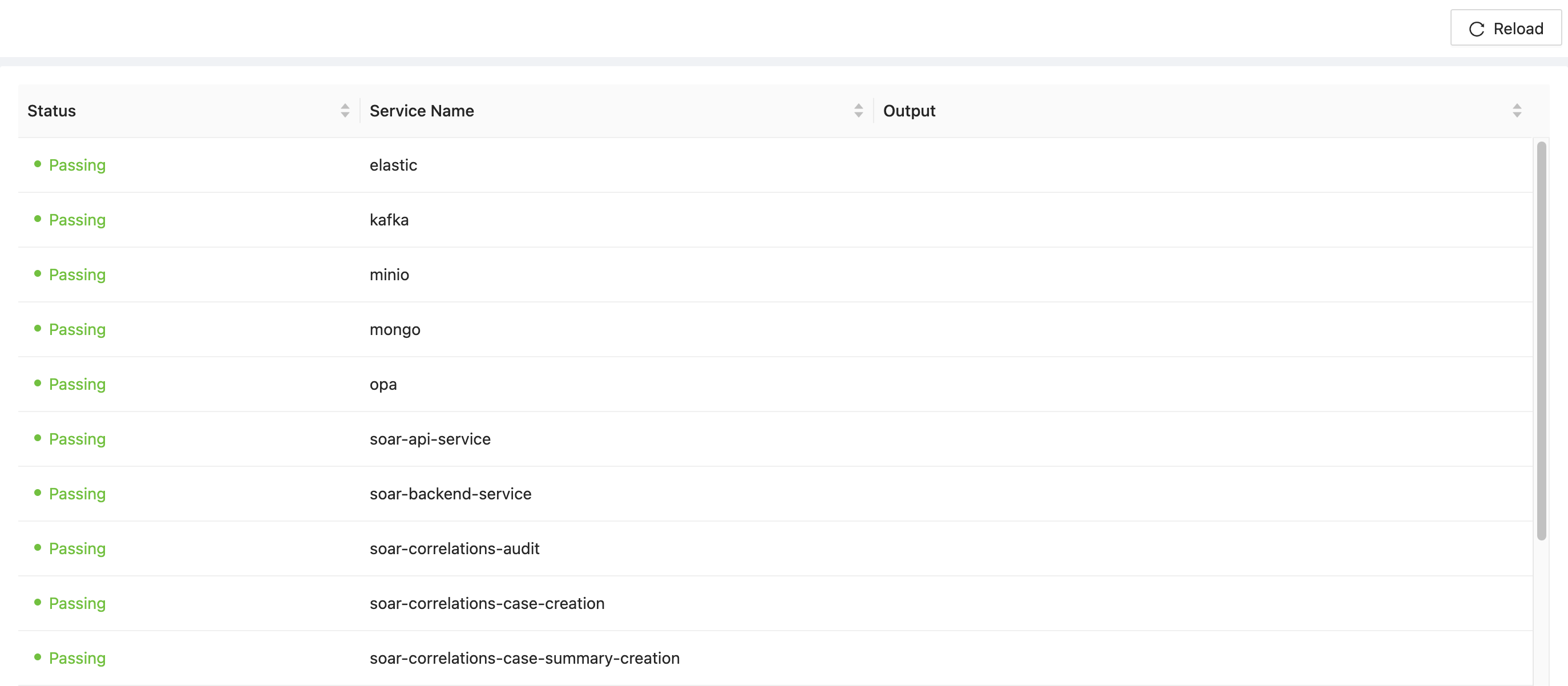
System Health Page